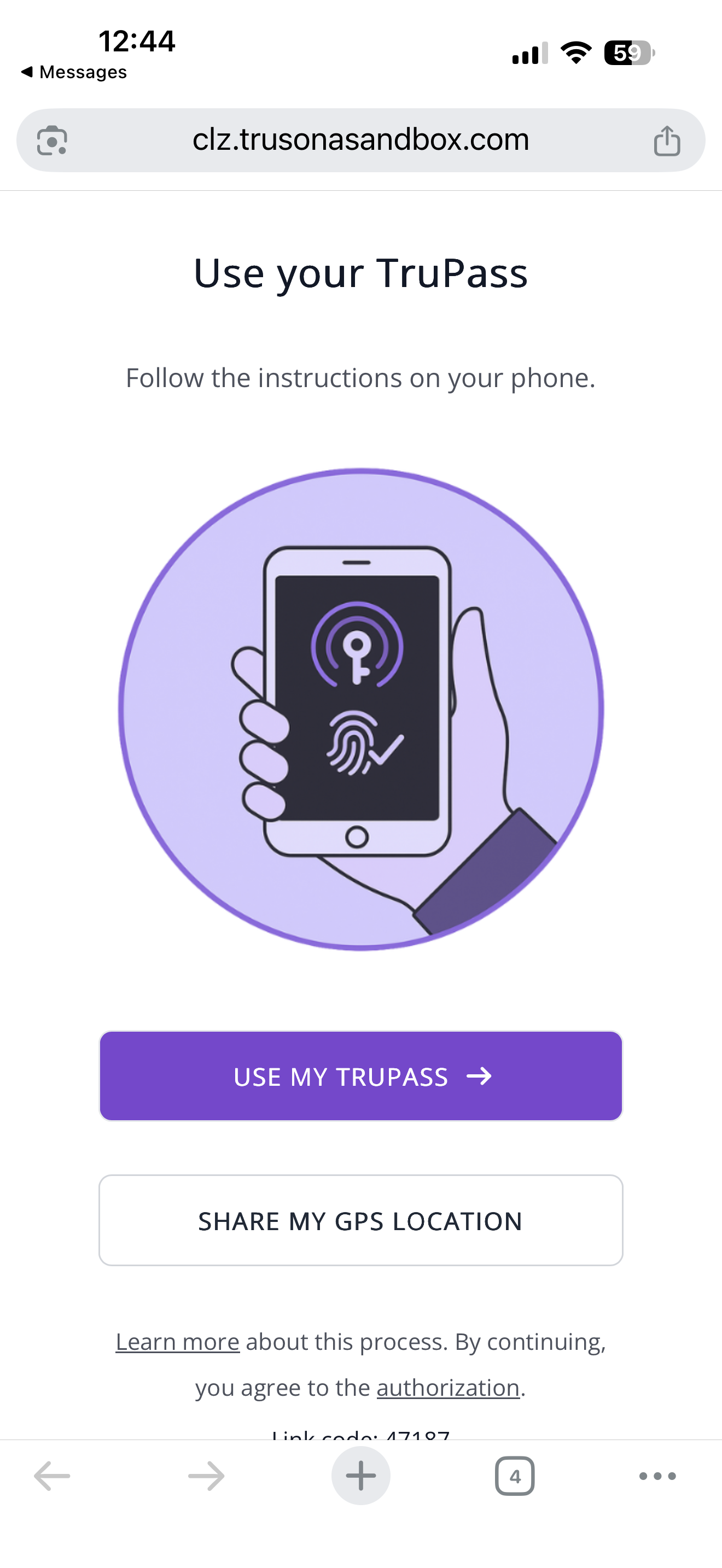
TruPass allows end users to skip scanning their documentation additional times by utilizing an ATO Protect backed passkey in the secure enclave of their device.
Requirements:
1. User has to proceed through an initial Trusonafication and have a NO RISK rating
2. User must complete the Trusonafication via SMS. TruPass is not supported through email or link-copy flows
3. User must not have a rooted or jailbroken device.
Steps:
1. Proceed through the Trusonafication process as normal, following the prompts from the Agent you are speaking with
2. At the end of the scan completion step, you will see an option to create a TruPass if all of the requirements have been met.
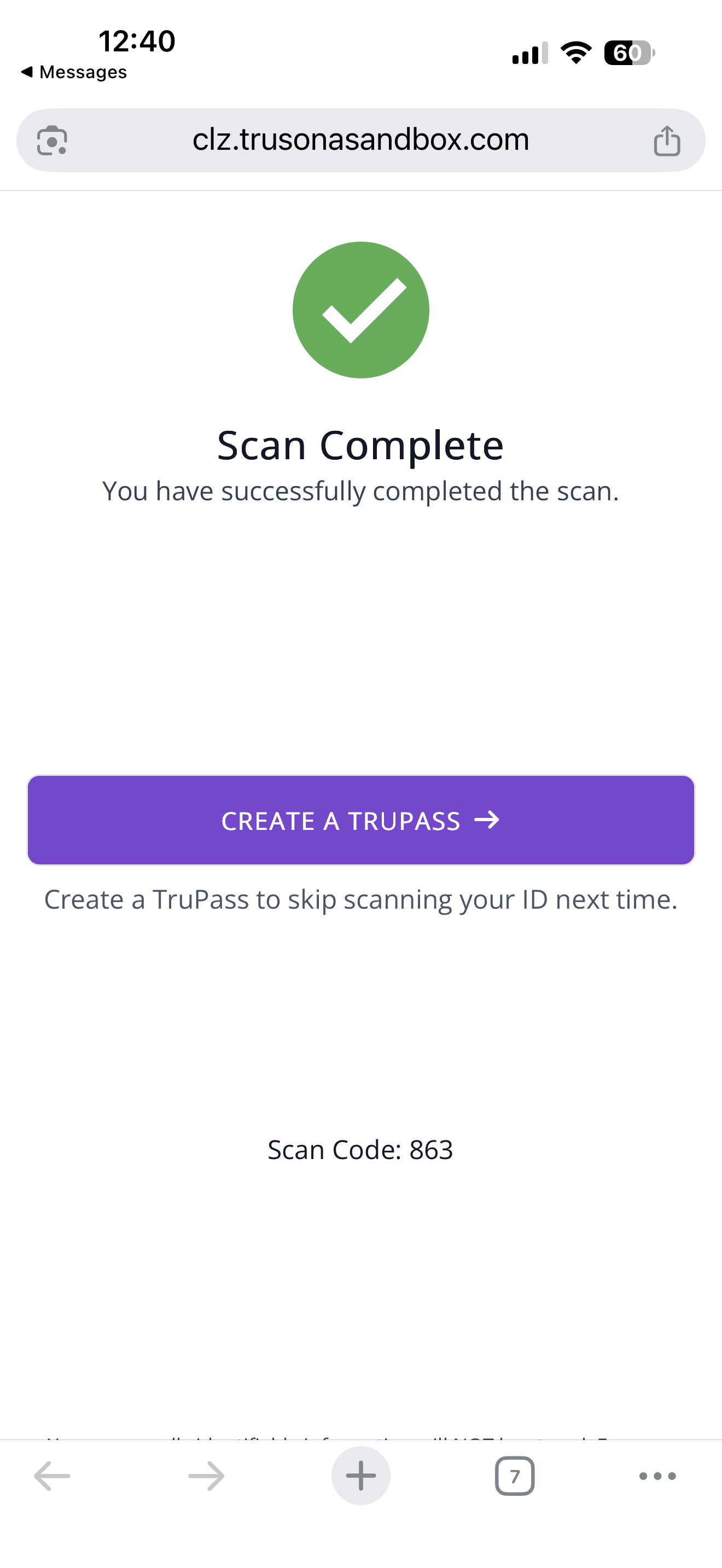
3. Follow the prompts of your device's operating system to complete the setup of TruPass.
4. In the future, when you contact your helpdesk agents, you will have the option to use the TruPass instead of needing to scan your government issued documents.